Blocksy is one of the most flexible and performance-focused WordPress themes available today. One of its strongest features is Blocksy Content Blocks and Hooks, which allow you to add custom content anywhere on your website without touching core theme files. When used correctly, they can dramatically improve design consistency, user experience, and even SEO performance.
In this article, we’ll explore the best way to use Blocksy Content Blocks and Hooks, explain how they work, and share practical use cases to help you get the most value from them.
What Are Blocksy Content Blocks?
Blocksy Content Blocks are reusable layout sections that you can design using the WordPress block editor (Gutenberg). Instead of recreating the same layout multiple times, you create it once and display it wherever needed.
Content Blocks can include:
-
Text, headings, and images
-
Call-to-action sections
-
Forms, buttons, and icons
-
Dynamic content like post titles or author info
Once created, these blocks can be injected into different areas of your website using hooks, conditions, or shortcodes.
Understanding Blocksy Hooks
Hooks are predefined insertion points in the Blocksy theme layout. They allow you to place Content Blocks before or after specific elements such as headers, footers, posts, or sidebars.
Some common hook locations include:
-
Before or after header
-
Before or after content
-
Inside single posts
-
After comments
-
Before footer
Hooks eliminate the need for custom PHP code, making them ideal for non-developers who want advanced layout control.
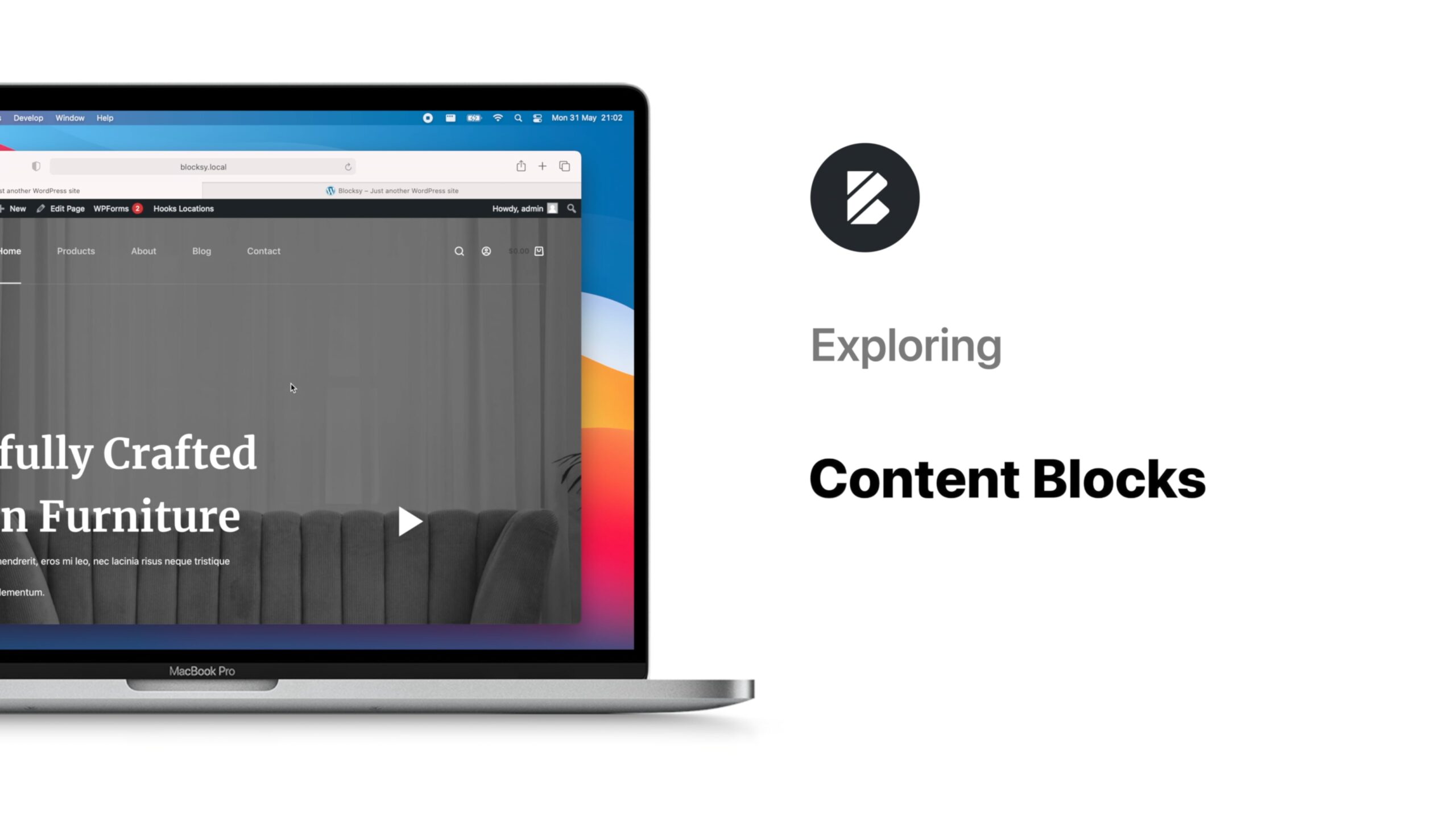
Best Practices for Using Blocksy Content Blocks and Hooks
1. Use Content Blocks for Global Sections
One of the best uses of Blocksy Content Blocks is for global website elements. These include:
-
Announcement bars
-
Promotional banners
-
Newsletter sign-up sections
-
Trust badges or guarantees
By placing these elements in a Content Block and attaching them to a hook, you ensure consistent visibility across your site and reduce repetitive editing.
2. Leverage Display Conditions Wisely
Blocksy allows you to set display conditions for each Content Block. This means you can control exactly where and when a block appears.
Examples:
-
Show a CTA only on blog posts
-
Display an affiliate disclaimer on review pages
-
Add author bio sections only on single posts
Using precise conditions improves user experience and avoids clutter, which also helps SEO by keeping content relevant.
3. Improve SEO with Strategic Hook Placement
Hooks can play a big role in SEO if used correctly. For example:
-
Place internal linking sections after post content
-
Add schema-friendly FAQ blocks before the footer
-
Insert optimised CTAs above or below content to reduce bounce rate
Search engines value structured content and user engagement. Strategic hook placement helps search engines understand your content better while improving dwell time.
4. Create Conversion-Focused CTAs
Blocksy Content Blocks are perfect for conversion optimisation. You can design different CTA blocks and display them at high-impact positions using hooks.
High-converting placements include:
-
After the blog post content
-
Between sections of long articles
-
Before the footer
You can even create multiple CTAs and test which hook positions perform best.
5. Avoid Overusing Hooks
While hooks are powerful, overusing them can hurt performance and overwhelm visitors. Keep these guidelines in mind:
-
Use only essential blocks
-
Avoid stacking too many elements in one location
-
Maintain visual hierarchy
A clean layout improves page speed, readability, and user trust, key SEO ranking factors.
6. Use Content Blocks for Custom Headers and Footers
Instead of relying only on the default theme header and footer, you can use Content Blocks to:
-
Create landing-page-specific headers
-
Add custom footers for sales pages
-
Design distraction-free layouts
By applying display conditions, these custom sections only appear where needed.
Advanced Use Cases for Blocksy Hooks
For advanced users, Blocksy Hooks can replace many plugins:
-
Add custom notices without pop-up plugins
-
Insert dynamic ads based on post categories
-
Display logged-in or logged-out content
This reduces plugin dependency and improves website performance.
Final Thoughts
The best way to use Blocksy Content Blocks and Hooks is to think strategically. Focus on reusability, relevance, and placement. When combined with smart display conditions and SEO-friendly layouts, they become a powerful tool for building fast, flexible, and conversion-optimised WordPress websites.
Whether you’re a blogger, business owner, or developer, mastering Content Blocks and Hooks will help you unlock the full potential of the Blocksy theme without writing a single line of code.