
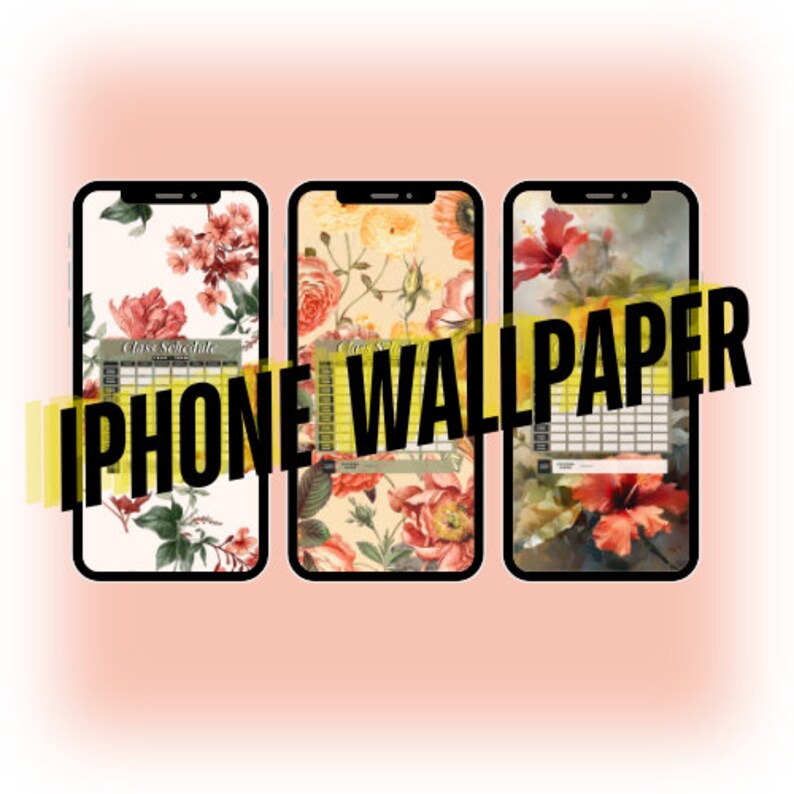
iPhone Class Schedule Wallpaper – Editable Canva Template
Stay organized and never miss a class with our editable iPhone class schedule wallpaper. This customizable Canva template transforms your phone’s lock screen or home screen into a functional class schedule that’s always at your fingertips.
Perfect for students, teachers, and busy professionals, this iPhone class schedule wallpaper helps you stay on top of your daily routine with style and convenience.
Key Features
Easy Customization
- Edit directly in Canva – no design experience needed
- Customize on any device (phone, tablet, or computer)
- Change colors, fonts, and layouts to match your style
- Add your class names, times, and room numbers
- Update your schedule anytime, anywhere
iPhone Optimized
- Perfectly sized for all iPhone models
- High-resolution design for crisp, clear display
- Works as lock screen or home screen wallpaper
- Easy-to-read layout at a glance
Instant Access
- No need to open apps – your schedule is always visible
- Quick reference between classes
- Perfect for busy students juggling multiple courses
- Save time and stay punctual
What’s Included
✓ Editable Canva template link ✓ iPhone-optimized dimensions ✓ Easy-to-follow customization instructions ✓ Download guide for saving to your phone ✓ Instant digital delivery
How It Works
- Access: Receive your Canva template link instantly after purchase
- Edit: Open the template and customize with your class schedule
- Download: Save your personalized wallpaper to your device
- Set: Apply as your iPhone wallpaper and enjoy instant access
Perfect For
- College and university students
- High school students
- Teachers and educators
- Anyone with a recurring weekly schedule
- Students taking online or hybrid classes
- Parents tracking their children’s schedules
Customization Options
- Class Information: Add course names, professors, and room numbers
- Time Slots: Customize to fit your unique schedule
- Colors: Match your school colors or personal aesthetic
- Fonts: Choose from Canva’s extensive font library
- Layout: Adjust spacing and organization
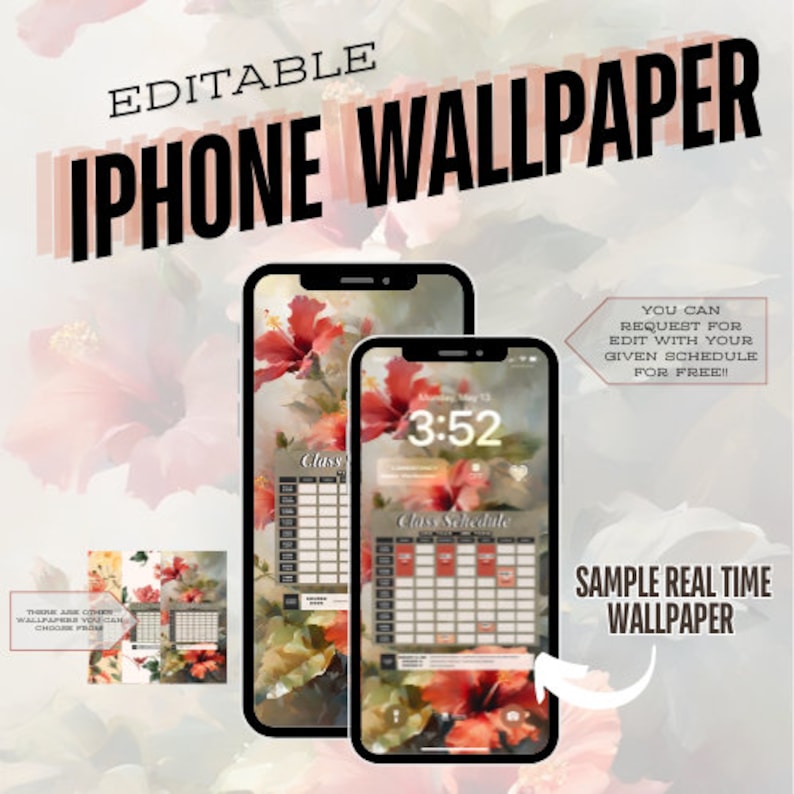
Why Choose This iPhone Class Schedule Wallpaper?
Traditional planner apps require opening and navigating through menus. With our editable iPhone class schedule wallpaper, your entire week is visible the moment you glance at your phone. It’s the fastest way to check what class is next, where you need to be, and when.
Benefits:
- Never miss a class again
- Reduce stress with visual organization
- Save time – no app opening required
- Personalize to match your style
- Update easily each semester
Technical Details
- Format: Digital Canva template
- Compatibility: All iPhone models
- Software Required: Free Canva account (free version works)
- File Type: High-resolution PNG/JPG download
- Delivery: Instant digital access
Student-Approved Features
✓ Clean, minimalist design that doesn’t clutter your screen ✓ Color-coding options for different subjects ✓ Space for class codes and room numbers ✓ Weekly view for better planning ✓ Reusable template – update each semester
Download your iPhone class schedule wallpaper now and transform your phone into the ultimate student organization tool!
Digital product – Instant delivery. No physical items shipped. Canva account required (free).




Reviews
There are no reviews yet.